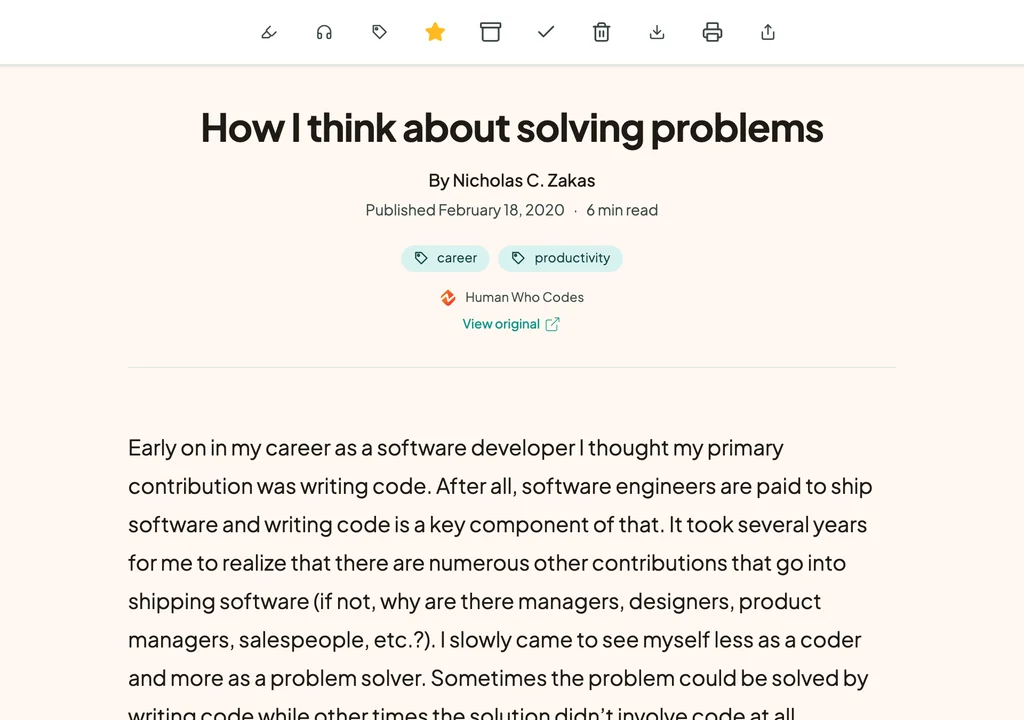
Bring your Wallabag library with you.
Export your Wallabag articles as JSON, zip the file if it’s large, and import it in Bredbox. Your articles arrive with their titles, tags, save dates, and starred and archived states, and your annotations become highlights with their notes. Bredbox then fetches a readable copy of every article, recipe, image, and document that’s still online.
Switching questions
- Do my tags and annotations come over?
- Yes, from Wallabag’s JSON export. Your tags, starred and archived states, and save dates come with each article, and every annotation becomes a highlight with your note attached. Tags keep their letters and numbers, so “machine-learning” arrives as “machine learning” and “café” as “cafe”. Wallabag’s CSV export has no starred, archived, or annotation columns, so use JSON if you can.
- My Wallabag export is too big to upload. What can I do?
- Zip it. Wallabag puts the full text of every article in its export, so a large library can pass the 5 MB upload limit, but that text compresses well. Bredbox reads a ZIP file that holds a single Wallabag JSON or CSV export, up to 100 MB once unzipped.
- What about articles that have disappeared from the web?
- Bredbox saves its own copy of each article, recipe, image, and document that’s still online. Pages that are gone arrive as links, so keep Wallabag’s JSON or EPUB export, which holds the text of every article.
- Can I try Bredbox before I shut down Wallabag?
- Yes. Every new account starts with a 30-day trial, with no credit card required. Keep your Wallabag server or wallabag.it subscription running while you decide.
- What if I import the same links twice?
- Nothing breaks. When a link is already in your library, Bredbox keeps the save you have instead of making a second one.